

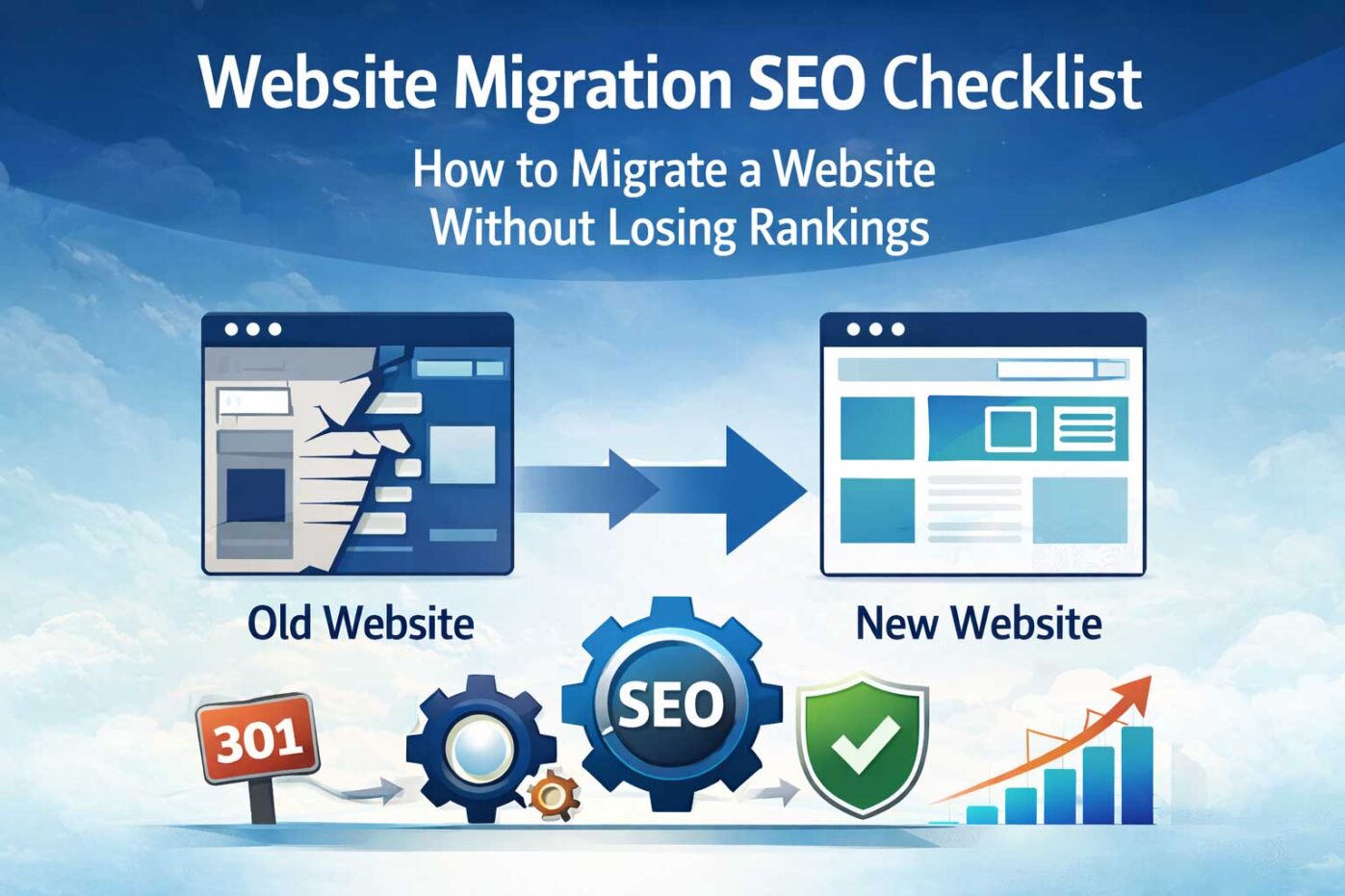
08 Mar Website Migration SEO Checklist (Step-by-Step Guide to Protect Rankings)
A website migration SEO checklist helps businesses protect search rankings and traffic during a redesign, domain change, or platform migration. Without proper planning, migrations can cause ranking drops, broken links, and lost organic visibility.
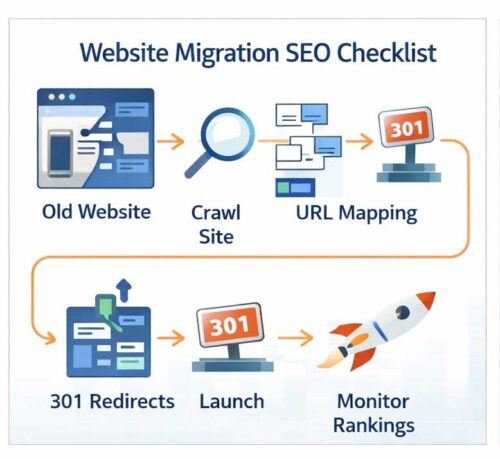
A successful website migration requires planning, testing, and SEO protection. Key steps include:
- Crawling your existing website
- Mapping old URLs to new pages
- Implementing 301 redirects
- Preserving SEO elements
- Updating XML sitemaps
- Testing before launch
- Monitoring rankings after launch
Following these steps ensures a smooth migration without losing search visibility.
What Is a Website Migration SEO Checklist?
A website migration SEO checklist is a step-by-step process used to protect rankings and traffic during a redesign, domain change, or platform migration. It includes crawling URLs, mapping redirects, preserving SEO elements, updating sitemaps, and monitoring performance after launch.
Website Migration SEO Checklist (Quick Steps)
- Crawl your existing website
- Map old URLs to new URLs
- Implement 301 redirects
- Preserve important SEO elements
- Update XML sitemaps
- Test redirects before launch
- Monitor search performance after launch
If you’re planning a redesign, review our guide on how to replace your existing website without losing SEO traffic.
What Is a Website Migration?
A website migration refers to major changes that impact search visibility, including redesigns, domain changes, platform switches, URL restructuring, and hosting upgrades. Because search engines rely heavily on URLs, internal links, and structured data, even small changes can affect rankings if not handled properly.
Website Migration SEO Checklist
1. Crawl Your Existing Website
Before launching a new website, crawl your existing site using tools like Screaming Frog or Sitebulb. Export all URLs so you know exactly which pages must be redirected.
2. Map Old URLs to New URLs
Create a spreadsheet mapping each old URL to its corresponding new page. This ensures users and search engines are properly redirected after launch.
3. Implement 301 Redirects
301 redirects permanently forward users and search engines from old pages to new ones. This step preserves the SEO authority your pages have built over time.
If you’re unfamiliar with redirects, read our guide on website migration without losing traffic.
4. Preserve Important SEO Elements
- Page titles
- Meta descriptions
- Internal links
- Header tags
- Structured data
Maintaining these elements helps search engines understand that your new site represents the same content as the previous version.
5. Update XML Sitemaps
Generate a new XML sitemap and submit it to Google Search Console and Bing Webmaster Tools to help search engines discover and index your pages quickly.
6. Test Redirects Before Launch
Before launching, test redirects to ensure they point correctly and do not produce errors.
7. Monitor Search Console After Launch
After launching, monitor Google Search Console for crawl errors, indexing issues, and ranking fluctuations.
Common Website Migration Mistakes
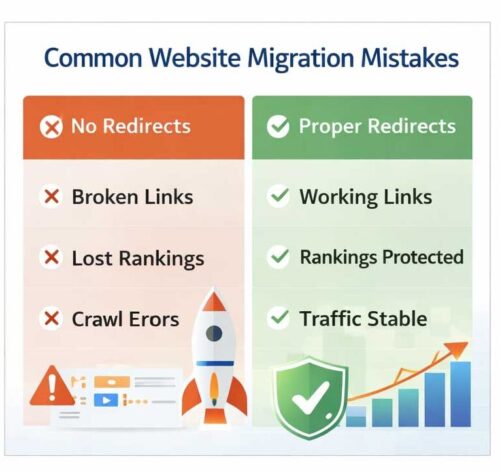
- Failing to implement proper 301 redirects
- Launching without URL mapping
- Changing URL structures unnecessarily
- Forgetting updated sitemaps
- Not monitoring search performance
Should Businesses Use SEO and PPC After a Website Launch?
Many businesses use paid advertising immediately after launch to maintain traffic while rankings stabilize. Understanding how paid and organic search work together helps businesses recover faster.
If you’re unfamiliar with how these channels work together, read our guide on PPC vs SEM and how they drive website traffic.
Website Migration FAQ
How long does SEO recovery take after a website migration?
SEO performance can fluctuate for several weeks after a migration. Most websites stabilize within 30–90 days if handled correctly.
Will I lose rankings after a website redesign?
Temporary ranking changes are common. Proper redirects, content preservation, and updated sitemaps reduce traffic loss.
Should I change URLs during a redesign?
Whenever possible, keep existing URLs. If changes are necessary, implement proper 301 redirects for every page.
What is included in a website migration checklist?
A migration checklist includes crawling URLs, mapping redirects, preserving SEO elements, updating sitemaps, testing redirects, and monitoring rankings after launch.
What is the biggest SEO risk during a website migration?
The biggest risk is failing to redirect old URLs correctly. Without proper redirects, search engines may treat new pages as different content and rankings can drop.
For a full walkthrough, see our guide on how to replace your existing website without losing traffic.
Need Help With a Website Migration?
Website migrations require careful planning to protect SEO rankings and organic traffic. If you’re planning a redesign or launch, Webociti can help ensure a smooth transition.
Contact us to learn more about our website design services and SEO migration strategies.