Choosing the Right Social Media Platforms

While platforms like Facebook, Twitter, and LinkedIn are free to join, the true costs of social media marketing are often less apparent. Creating and maintaining engaging content can be both time-consuming and costly.

There was a time, about 3 to 5 years ago, often referred to as the “Golden Days” of social media marketing, when businesses could promote themselves more freely. Nowadays, with platforms pushing for paid advertising, marketers might find themselves nostalgic for those days.

Social Media Is Free, But Social Media Marketing Is Not

It’s a common misconception that social media marketing is free. Although signing up and creating a company or brand page on platforms like Facebook or LinkedIn doesn’t cost anything, the real expense has always been hidden in the ‘cost’ of time spent managing these platforms.

The Realities of Social Media Marketing

As the owner of Webociti, an internet marketing firm, I understand that effective social media marketing requires:

  • Eye-Catching Headlines: To grab attention and make people want to read more.
  • Relevant Content: To ensure the audience receives value from your posts.
  • Optimization: To reach the widest possible audience.
  • Engagement: Through comments and interactions.
  • Shareable Links: To encourage propagation of your content.

The labor involved in maintaining fresh and relevant social media content can be substantial. Unlike blogs that might adhere to a more relaxed posting schedule, social media demands frequent, sometimes even daily updates, especially if promoting time-sensitive specials or events.

Social Media Marketing is not Free

Tools to Streamline Social Media Marketing

To manage the demands of frequent posts, several tools can help:

  • WordPress: The leading CMS that powers over 74 million websites, offering extensive features for content management.
  • Google Keyword Planner: Helps by generating up to 800 search terms related to a primary keyword, which can optimize your content for better search engine visibility.
  • Long Tail Pro: Offers similar functionality to Google Keyword Planner but includes more detailed filtering options to target keywords more effectively. While it’s a paid service, it offers a free 10-day trial.

The Necessity of Mobile Optimization

With up to 75% of consumers accessing social media on mobile devices, optimizing for mobile is crucial. Consumers expect fast-loading pages, easy navigation, and seamless checkout processes. Failing to provide these can drive potential customers away.

If you haven’t optimized your social media content for mobile, or if you’re unsure how it appears on devices like smartphones, it may be time to consider professional help. Webociti specializes in optimizing social media marketing strategies for mobile engagement.

Need Help?

To see how your strategy holds up in the mobile-first world, or to improve your social media marketing efforts, contact Webociti at 678-892-7157. Let us help you make the most of your digital marketing by ensuring your social media presence is as dynamic and effective as possible.

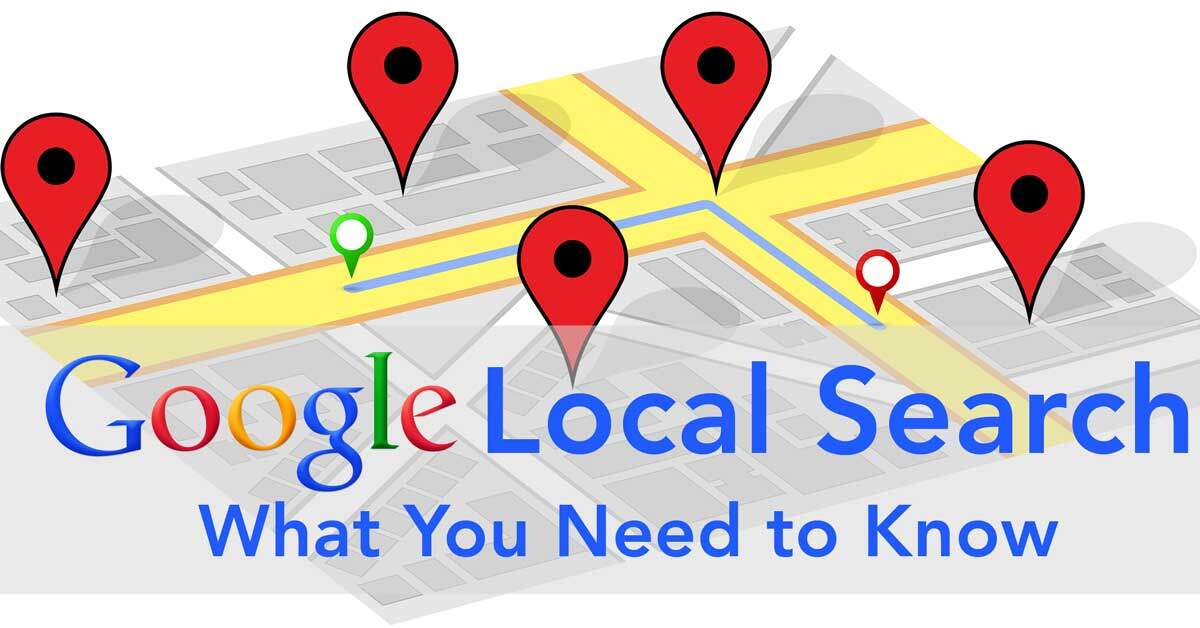
Local Search: Harnessing Its Power for Your Business

Local Search

Local search optimization is crucial for businesses targeting customers in their vicinity. Surprisingly, I often encounter local businesses aiming to dominate national search results. If you’re an eco-friendly dry cleaner in Yuma, Arizona, ranking number one nationally isn’t just impractical—it could detract from your local search efforts. This post explains why local search is vital for your business and provides practical tips for enhancing your local search presence.

Why Local Search Matters

Consider these statistics:

  • Google processes over 100 billion searches each month.
  • The platform has more than 117 billion unique visitors monthly.
  • Over half of these searches originate from mobile devices.

These figures highlight the significance of mobile and local search. If your business isn’t optimized for local mobile users, you’re likely missing out on a substantial customer base.

Tips for Local Search Optimization

Leverage Local Landmarks

If your business is near a well-known landmark, mention this on your website. For instance, stating “Located across the street from the Landmark Hotel” not only aids in local SEO but also makes it easier for customers to find you.

Engage on Social Media

Establish a presence on platforms like Google+, Facebook, and other relevant networks. These platforms should align with the needs of your target audience and complement your website’s content.

Encourage Customer Reviews

Actively request customer reviews on your website and social media pages. Promptly respond to both positive and negative feedback. Thanking customers for their business or addressing their concerns

Maintaining Your Local Search Presence

Achieving a high local search ranking requires continuous effort. Your content must be regularly updated, and your SEO strategies need constant refinement. Many small to medium-sized businesses find it beneficial to partner with professionals for this ongoing task.

At Webociti, we specialize in helping businesses like yours thrive in their local markets through targeted SEO strategies. Our team of local search experts can help you create meaningful connections with your customers and significantly improve your online visibility.

Ready to boost your local search rankings?

Contact Webociti today at 678-892-7157 for a free consultation. Let’s transform your local search strategies into tangible results!

5 Essential Tips to Improve Your Website’s Mobile Experience

Have you invested significant time, resources, and manpower into building a professional website but haven’t seen the boost in brand awareness or engagement you were hoping for? The issue might be that your website isn’t fully optimized for mobile users. In today’s digital landscape, ignoring mobile optimization could cost you valuable traffic and conversions.

With over half of global web traffic coming from mobile devices, it’s clear that optimizing your website for mobile is no longer optional—it’s a necessity. By enhancing your site’s mobile experience, you can improve visibility, engagement, and long-term growth. Here are five essential tips to help you improve your website’s mobile experience and drive better results.

1. Improve Your Website’s Loading Speed for a Better Mobile Experience

Loading speed is one of the most critical factors in mobile optimization. Slow-loading pages frustrate users, increase bounce rates, and harm your conversions. In fact, research shows that when mobile load times increase from one second to three seconds, conversion rates drop by 50%, and bounce rates rise by 6%.

  • Implement lazy loading: Delay loading non-essential elements until users scroll down.
  • Optimize images: Compress image files to reduce size without compromising quality.
  • Use a Content Delivery Network (CDN): CDNs help distribute your website content faster, especially for global users.

A fast-loading website creates a seamless experience that keeps visitors engaged and more likely to convert.

2. Fix Faulty Redirects to Improve Navigation

Faulty redirects are a common issue that negatively impacts the mobile user experience. These occur when a mobile user is incorrectly redirected to a different page, such as the homepage, instead of the page they requested.

For example, desktop server configurations may redirect all mobile traffic to the homepage, frustrating users and disrupting their journey. Regularly auditing your site to identify and fix these errors ensures that visitors always land on the correct page, helping them find the information they need quickly.

3. Enhance Mobile Navigation for Easier Access

Mobile users expect easy and intuitive navigation. If your website is difficult to browse, visitors are more likely to leave before taking any action.

  • Use a responsive hamburger menu: This collapsible menu highlights your most popular pages, such as “Services” or “Shop.”
  • Add a visible search bar: Make it easy for users to search for specific content.
  • Streamline internal links: Guide visitors to high-traffic areas of your site with clear and concise link structures.

Use website analytics to determine which pages attract the most attention and prioritize them in your mobile navigation tools.

4. Optimize for Mobile Conversions with Shortcuts

Mobile users often face more barriers to completing actions like making purchases or filling out forms. Simplify their journey with shortcuts designed for mobile devices:

  • Credit/debit card scanning: Speeds up the checkout process.
  • Click-to-call buttons: Enables instant communication with your business.
  • Third-party login options: Allows users to sign in with platforms like Google or Facebook.
  • “Remember Me” options: Saves login and payment details for returning customers.

These features reduce friction and improve the likelihood of conversion, ensuring your mobile site delivers results.

5. Focus on Mobile-Friendly Design for Better Usability

Mobile-friendly design goes beyond responsiveness. It ensures your website adapts seamlessly to any screen size and remains easy to navigate.

  • Test across devices: Regularly check your site on various mobile devices to ensure consistent performance.
  • Use large, tappable buttons: Make sure links and call-to-action buttons are easy to click.
  • Ensure readability: Use a legible font size and avoid cluttered layouts.

Watch: 5 Easy Steps to Improve Your Website’s Mobile Experience

Prioritize Mobile Optimization for Growth

In today’s mobile-first world, optimizing your website for mobile users isn’t just about staying competitive—it’s about growing your business. By implementing these five tips, you can improve your website’s mobile experience, attract more visitors, and boost conversions.

Ready to take your mobile optimization to the next level? Contact the experts at Webociti to transform your website into a mobile-friendly powerhouse. Let’s grow your business together!